
Creating an incentive
provider
Step-by-step guide to creating a new incentive for your clients.
Creating an incentive
Incentives are at the heart of Reco - they're the offers that motivate your clients to refer new business, and for the people they refer to sign up. Here's how to create one.
Getting started
- Navigate to Incentives from the main menu
- Click Create Incentive
- You'll be taken to the incentive creation wizard
Filling in the details
There are 4 sections to the incentive creation wizard:
- Creating the reward for the referrer
- Creating the offer for the person being referred
- Assign the providers or locations to whom the incentive applies (if you have more than one provider or location)
- Setting limits, verification options and terms
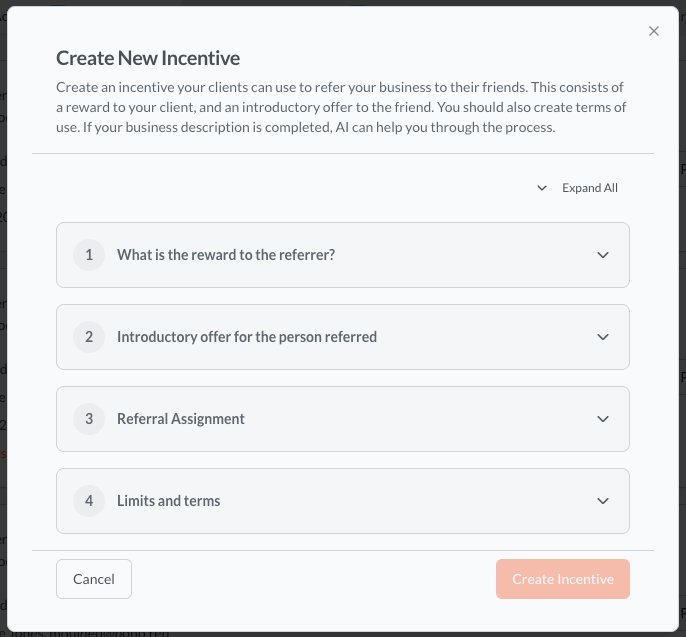
Our AI can help you create incentives in just a couple of minutes, so if you are short of inspiration, don't worry. However, to do this, you need to have completed your organisation description as outlined here
Once you have created the incentive, you will want to share it with your clients. This can be done quickly and easily.
We will now go through each of these steps. Start by clicking below and creating the reward for the referrer.