
Sharing incentives in printed material
Sharing incentives in printed material including referral cards and flyers
There are three ways you can share your incentives in printed material using Reco
- Placing a QR code on any of your current marketing
- Printing Referral cards from Reco to hand out to clients
- Printing Flyers from Reco to attach to walls, desks etc.
Add QR codes
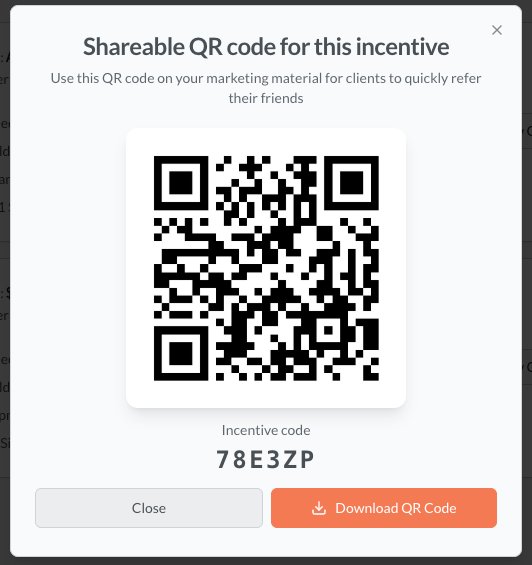
You can download the QR code for your incentive by clicking Show QR. This will show the QR code and give you the ability to add it to any marketing material. You can also use this code to create your own custom flyers and referral cards.
Printing Referral Cards
Click Print and from the layout type select either Card Grid or Single Card. If you select Single card, you can specify the size of the card.
You can also then select:
- whether the logo and company name appears
- what contact details should appear
- the source of the phone number (actioning provider or location)
- the message on the card
You can also save the preferences for next time and choose to be emailed a copy when you press Download.
Gard Grid will print cards in a 2x5 page on A4 paper. You can then cut these into individual cards. A single card will print one card, which you can take to a print shop to have professionally printed.

Flyer
Selecting a flyer will give you the ability to print an A4 or A5 flyer which you can attach to walls, desks, toilet doors etc.. You can specify the text that appears above and below the text and the label that appears before the code.
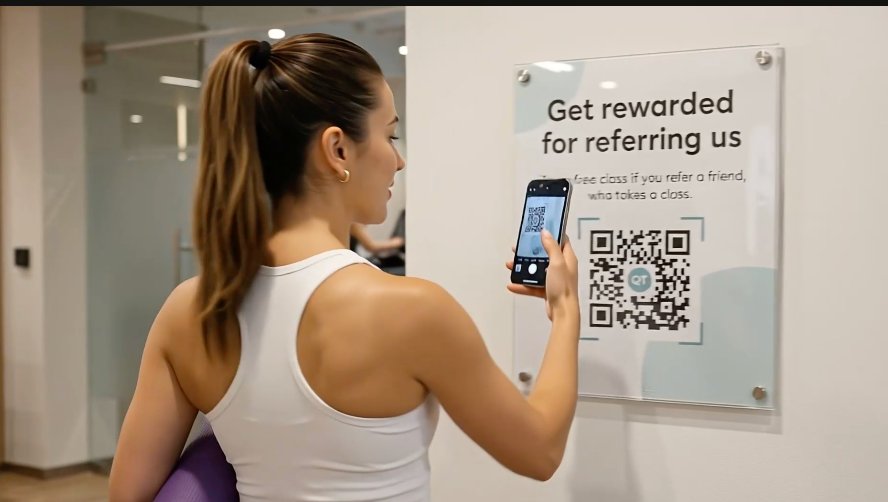
However you share your incentives... Keep your incentive active - no one like scanning broken links! That is why it is better to use the organization code as this will not ever be inactive and always shows current referrals. Print in color if you can. Order enough referral cards it's better to have too many than too few