
Replying to messages as a provider
provider
Configure messaging preferences for your business and replying to messages
As a provider, you can configure how messaging works for your organisation to ensure client communications are handled efficiently.
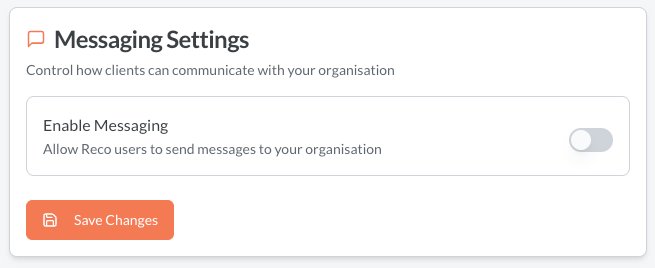
Messaging settings
- Navigate to Organisation
- Click on the Messaging tab
- Turn messaging off if you do not want clients to be able to message you through Reco. It is on by default.
Responding to messages
Providers cannot message clients - they can only respond to their messages. The provider will receive an email when a message is sent by the client. These can be replied on from the main menu Connect > Messages
Best practices for organisations
- Respond within 24 hours — prompt responses improve client satisfaction and trust
- Set an auto-reply if your team can't respond immediately, so clients know their message was received
- Designate a team member to monitor the inbox regularly
- Keep communications professional — messages reflect your business