
Deleting a provider account
This article describes how to delete a provider account and what happens when you do
If you want to permanently remove your Reco provider account and all associated data, you must first be removed from the organisation by your Location manager or the Organisation owner. This assigns your referrals to another team member so that opportunities are not lost. You can follow the same steps as for a client account deletion here.
If you are an organisation owner and want to delete your whole organisation, then go to Billing, and scroll to the bottom of the page and click on Request Account Deletion.
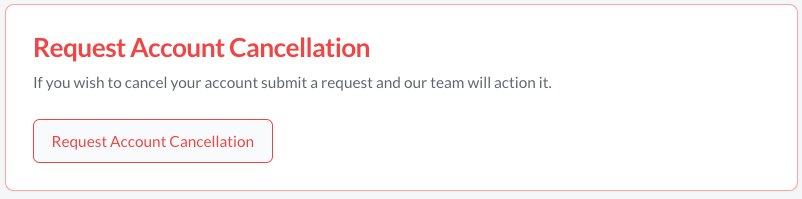
Our team will then delete your account and advise you when this is complete.
What happens to your data
If you select to delete your account at the end of the billing period, and you are still in a trial period, these steps will occur at the end of the trial period.
Organisation owners
- All providers have their links to your organisation removed
- All referrals that are in an Active or Signed up status, will be retained. The remained will be deleted. This is so people who have made referrals can still contact you outside of Reco should they wish. Their status's will not be changed. The referrer will see that you have left Reco
- Your organisation is deleted, along with all incentives and reviews.
- Your personal account is moved to be that of a "Client" of a provider
- Any "per-referral" balance on your account is refunded
- There is no further billing for subscriptions
Providers and location managers
Any providers or location managers should request their organisation manager to delete their subscription and relationship with the organisation. This ensures referrals are not lost and are gracefully transferred to another organisation. If for some reason you cannot do this, contact us and we will delete your account. When this happens:
- Your role will be removed from the organisation
- Your incentives and referrals will be associated with the organisation owner
- Your personal account is moved to be that of a "Client" of a provider, which you can then delete entirely using the profile page.