
Deleting your data or account as a client of a provider
client
How to permanently delete your Reco account and data as a client of a provider.
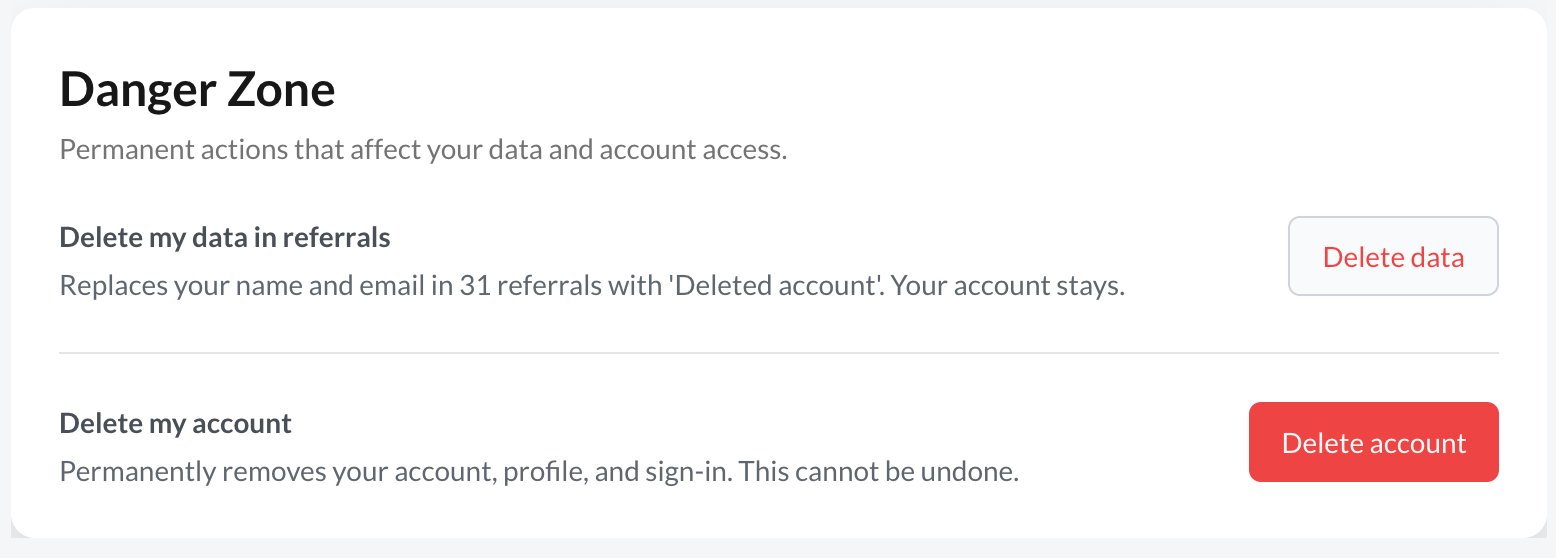
At the bottom of your profile page, you can delete the data on the referrals associated with you. This then changes your contact details to "Hidden".
If you want to permanently remove your Reco account and all associated data, simply go to your profile, scroll to the bottom and press Delete Account. After confirmation, your account is deleted, and you are logged out. If you are a provider, read this article.
What happens when you delete your account
The following will occur when you delete your account as a client of providers
- Account deletion is permanent — once processed, it cannot be undone
- All your personal data will be removed
- Your referral history will be anonymised but retained
- Any reviews and recommendations you've left will be anonymised
- You will be logged out.