
Leaving a review
Share your experience by leaving a review for a provider.
Leaving a review about an organisation or a provider in the organisation is a great way to share your positive experience and help the provider to grow their business. Leaving a review on Reco is quick and straightforward.
How to leave a review
You can leave a review for any organisation you're connected to on Reco. One review per provider within the organisation is permitted. You can also leave one review for the organisation as a whole.
- Navigate to the provider's detail page (via your Providers list on your Reco account)
- Click on the middle Reviews tab
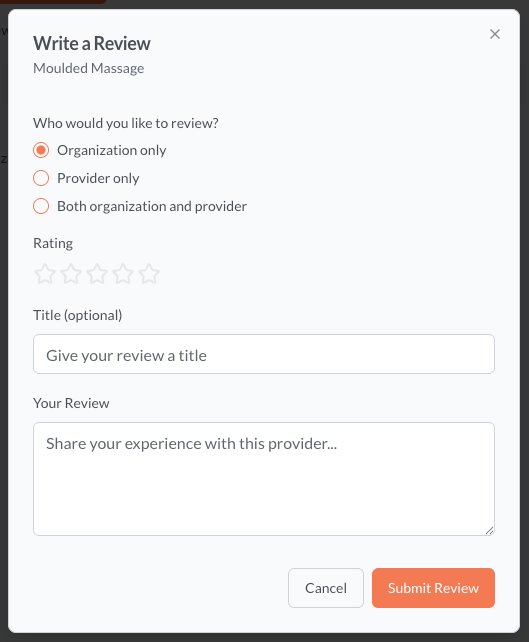
- Click Write a Review
- Choose a star rating (1 to 5 stars)
- Write your review text
- Click Submit
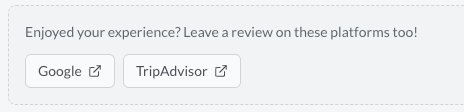
You can quickly copy-paste the review to one or more of the external review sites managed by the provider by clicking on the relevant site links. This really helps their business!
You can easily edit or delete a review, using the buttons on the review card.
What makes a good review
- Be specific — mention what service you received and what stood out
- Be honest & respectful — both positive and constructive feedback is valuable
- Be helpful — think about what a future client would want to know
Review guidelines
Reviews must comply with Reco's community guidelines. Reviews that contain offensive language, spam, or clearly false claims may be removed. If you believe a review violates the guidelines, you can report it.